Mount your Postgres TestContainers on RAM
Our Java test suite runs a real Postgres database with Testcontainers.
Before each test(for isolation), it truncates more than 50 tables so the next test starts with clean data.
This cleanup is expensive. I was looking into optimizing this.
While reading, I came across this StackOverflow thread https://stackoverflow.com/a/73816987 that suggests mounting RAM to your Postgres Data Directory. For tests, as the data is anyway throwaway, I decided to give it a try.
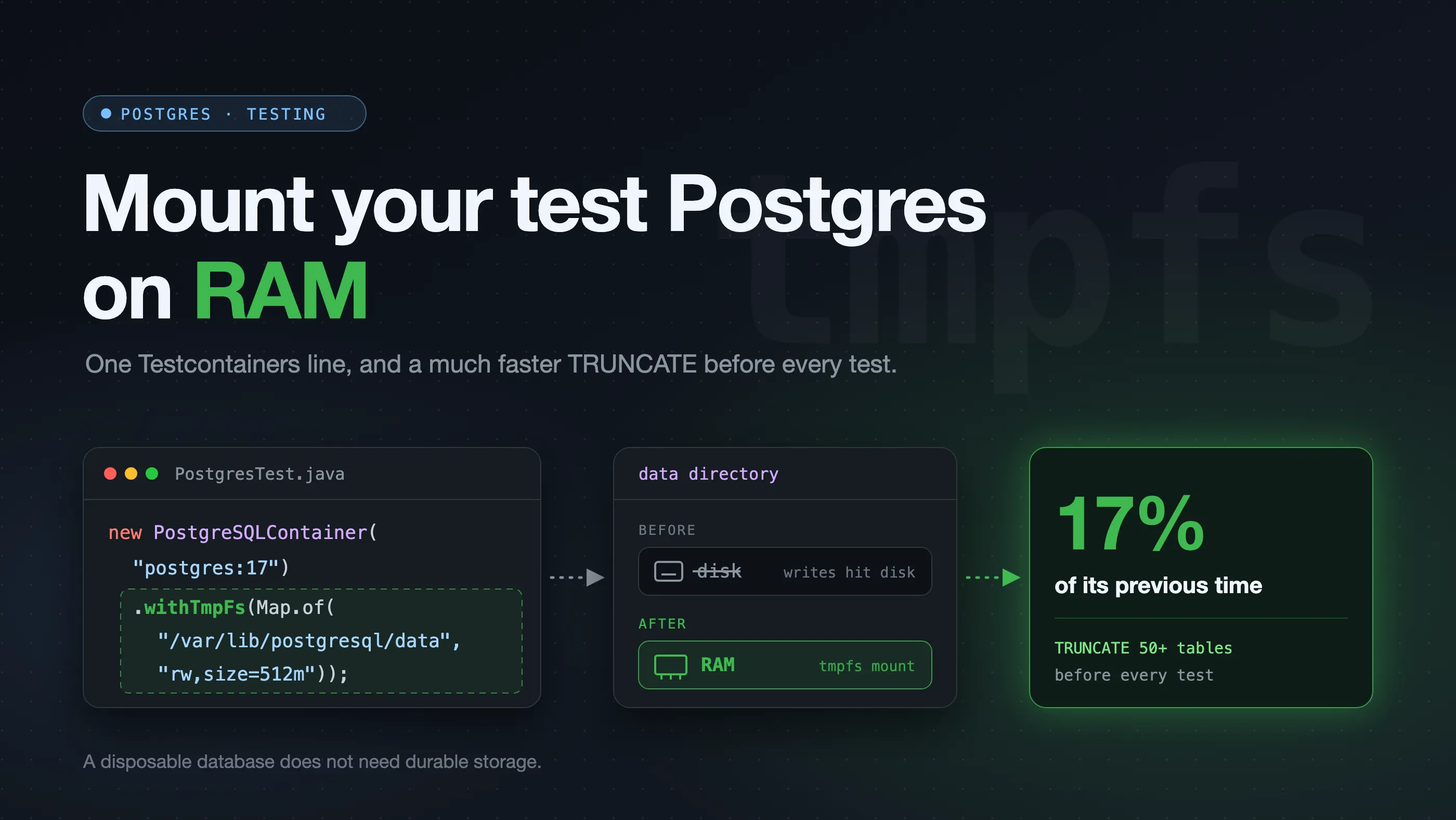
The truncate before each test now takes 17% of its previous time.
What is tmpfs, and what does “mounting” it mean?
Postgres stores everything (tables, indexes, the write-ahead log) as ordinary files in one folder, its data directory i.e. /var/lib/postgresql/data.
Normally, that folder lives on disk. Every write Postgres makes ends up as a disk write.
tmpfs is a filesystem that keeps its files in RAM instead of on disk. To programs, it looks like any other folder: they can create, read, write, and delete files as usual. The difference is that the files are only in memory, so they disappear when the filesystem goes away.
Mounting means attaching a filesystem to a folder path. When you mount a tmpfs on /var/lib/postgresql/data, anything written under that path goes to RAM instead of to disk.
Default:
  Postgres --writes--> /var/lib/postgresql/data --> disk

With tmpfs mounted on the data directory:
  Postgres --writes--> /var/lib/postgresql/data --> RAM
Postgres does not know or care about the change. It still sees the same folder and writes the same files. Only the storage behind that folder is different, and RAM is much faster than disk.
The catch: when the container stops, the data is gone. For a throwaway test database, that is fine.
Change made
Testcontainers starts Docker containers from Java test code. Its withTmpFs method can mount a memory-backed filesystem inside the container:
import java.util.Map;

static final PostgreSQLContainer postgres =
    new PostgreSQLContainer("postgres:17")
        .withDatabaseName("test_db")
        .withUsername("test")
        .withPassword("test")
        .withTmpFs(Map.of( // <-- Notice this
            "/var/lib/postgresql/data", "rw,size=512m"
        ));
Postgres still reads and writes files, but those files now live on tmpfs instead of the container’s disk. The database disappears when the container stops, which is expected.
Doesn’t Testcontainers already disable fsync?
Yes. Testcontainers starts Postgres with:
postgres -c fsync=offThis skips the durable flushes Postgres needs for crash recovery. It does not stop file writes or write-ahead log generation. tmpfs still helps because it changes where those files live.
This tradeoff is safe for our tests because we can recreate the database. I would not use it for production data or tests of crash recovery.
What changed
With the Postgres data directory on tmpfs, truncating more than 50 tables before each test took about 17% of its previous time.
The schema is created once, when the JVM starts. After that, the truncate is the only database work that runs before every test, so this is the part of database setup that tmpfs sped up.
It does not mean each test or the whole suite became 83% faster. Application startup, test logic, and database queries still take time. The gain also depends on the machine’s storage and available memory.
A disposable database does not need durable storage.